
You can turn the rotation on and off every time you start to do a puzzle:
- Tap the required picture.
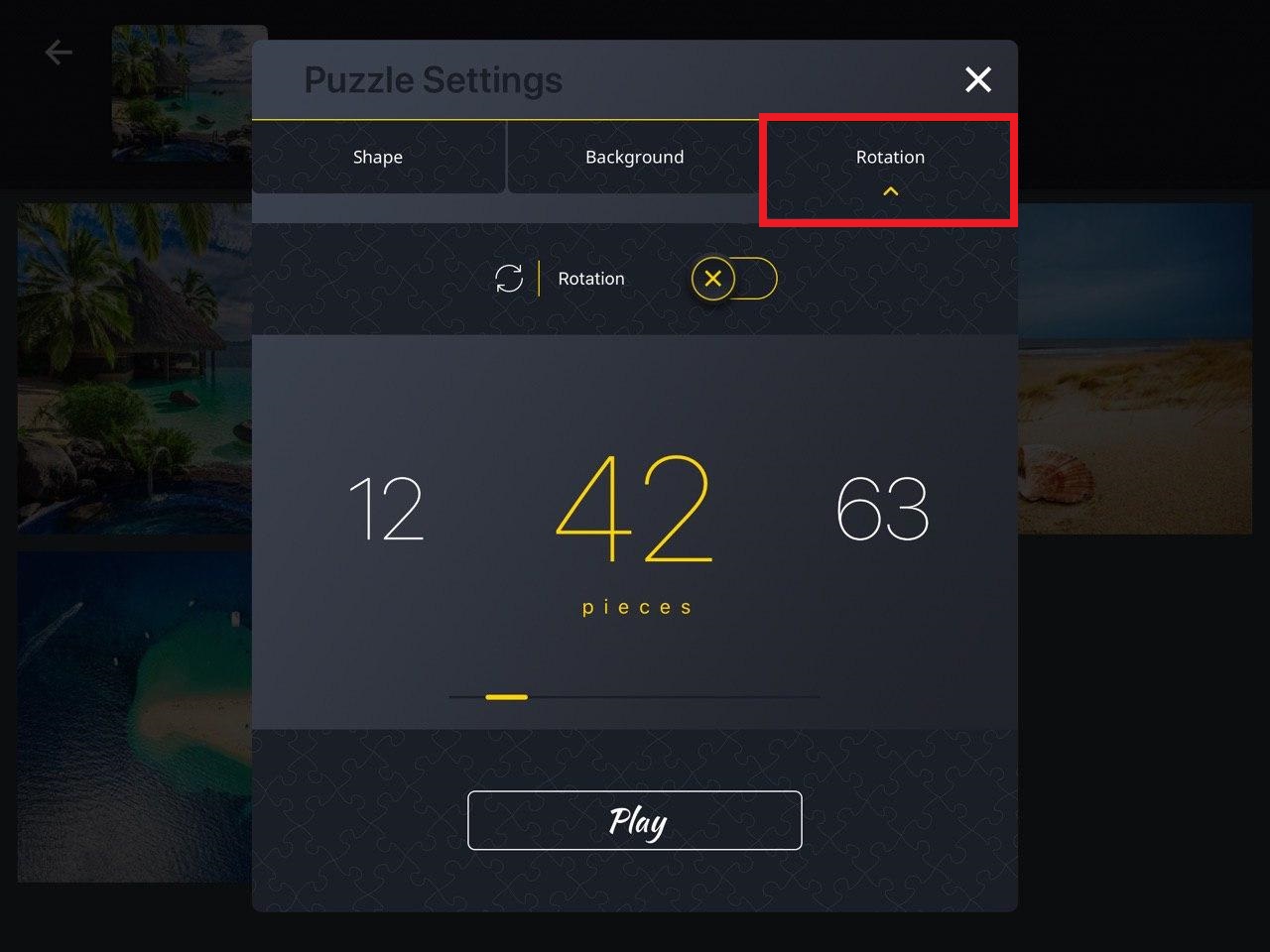
- Tap the "Rotation" button at the top-right corner of the page. A separate window will pop up.
- Tap the Rotation switch to Enable or Disable rotation.
- Tap Play.
When the rotation mode is on, tap the piece once to rotate it 90 degrees.
After you've started to play the puzzle, the rotation settings cannot be changed.
Watch the video on how to enable/disable rotation:
Find the Jigsaw Puzzle on Google Play Store and Apple App Store.
#iOS #iPad #iPhone
Comments
0 comments
Please sign in to leave a comment.